
What is PinglyMCP?
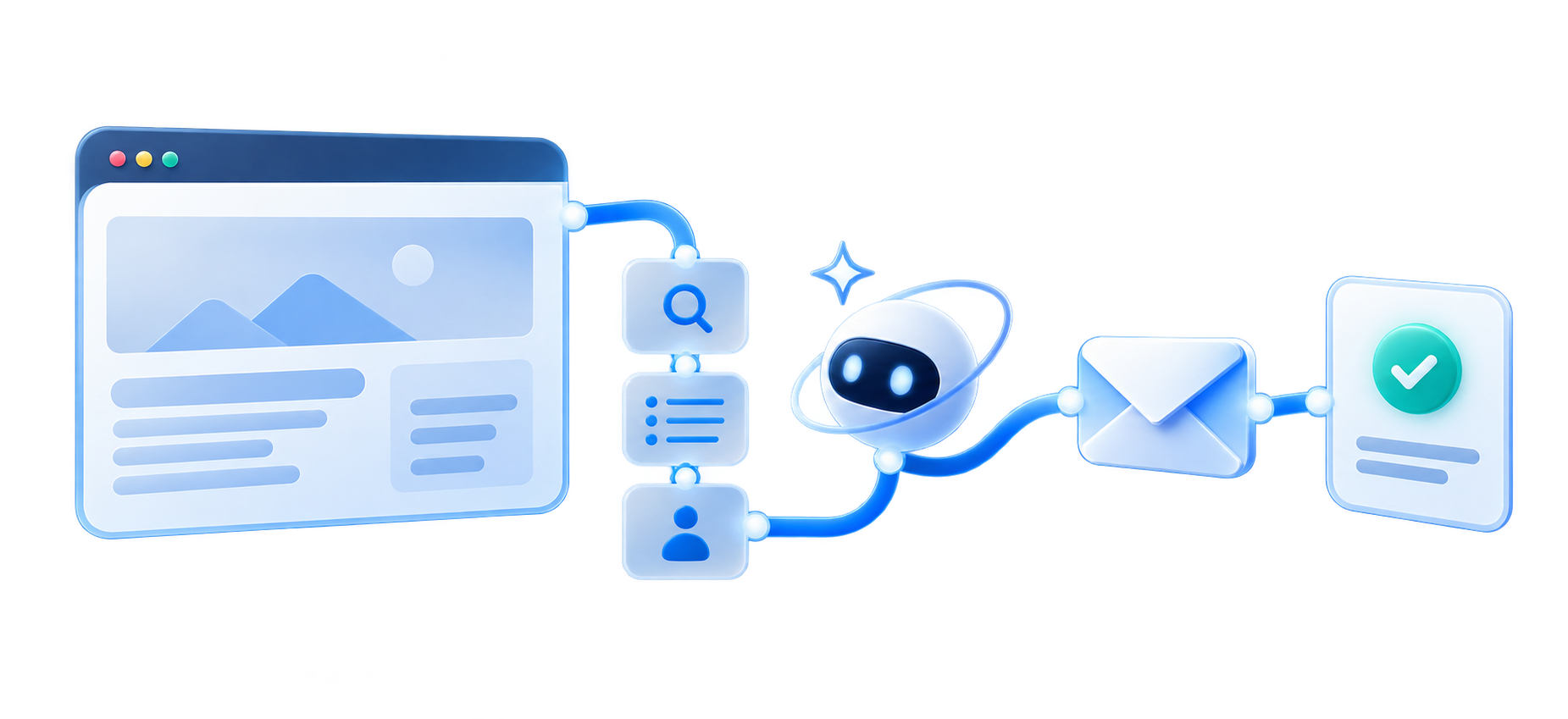
01 · Discover a website
Check reachability or inspect a public page with the right website tool.
02 · Choose a useful tool
Understand the site, find a contact path, or ask for AI assistance when needed.
03 · Get a clear result
Receive the useful details, evidence, and outcome back in your agent or app.
The simple idea
A toolbox of focused website tools.
Many models can reason about a task without being able to open a site, interpret a rendered page, or complete a contact form. PinglyMCP supplies those focused capabilities in one collection of tools: discover and understand a site, reach a public contact path by email or form, and use optional AI assistance when the workflow is difficult.
Discover
Give a model reachability, a rendered page, a screenshot, and visible navigation.
Contact
Find a public contact email or form and send a real message after explicit confirmation.
Assist
Add AI assistance when a contact form needs extra interpretation or interaction.
Give your model website capabilities
Connect an AI client through the remote Model Context Protocol (MCP) server, or give an app the same capabilities through the REST API. The dashboard is where you manage personal API keys and review activity across the tools.
Website tools available today
Ping
Check whether a public IP address or domain name is reachable.
Describe Website
Discover and understand a public website with a visual description, screenshot, and visible navigation links.
Contact Website
Find a public contact email or form and send a message, with optional AI assistance for difficult form workflows.
What’s coming next
More discovery tools
More structured ways to find useful pages, navigation, and public signals across a website.
More contact workflows
Broader contact-path discovery and more dependable ways to reach sites that accept messages differently.
Assistance where it helps
AI-assisted workflows for websites that need extra interpretation or help completing a contact form.
These are product directions, not promises of a specific launch date. The developer docs and pricing page remain the source of truth for what is available and how current usage is measured.
Contact requests send a real message
A request can send an email or submit a website contact form. Review the message and explicitly confirm the action in your client before it runs. PinglyMCP reports what it could verify; an unconfirmed submission is not safe to retry automatically, and no result guarantees delivery, that the owner read the message, or that they will reply.